During the event
Written notes
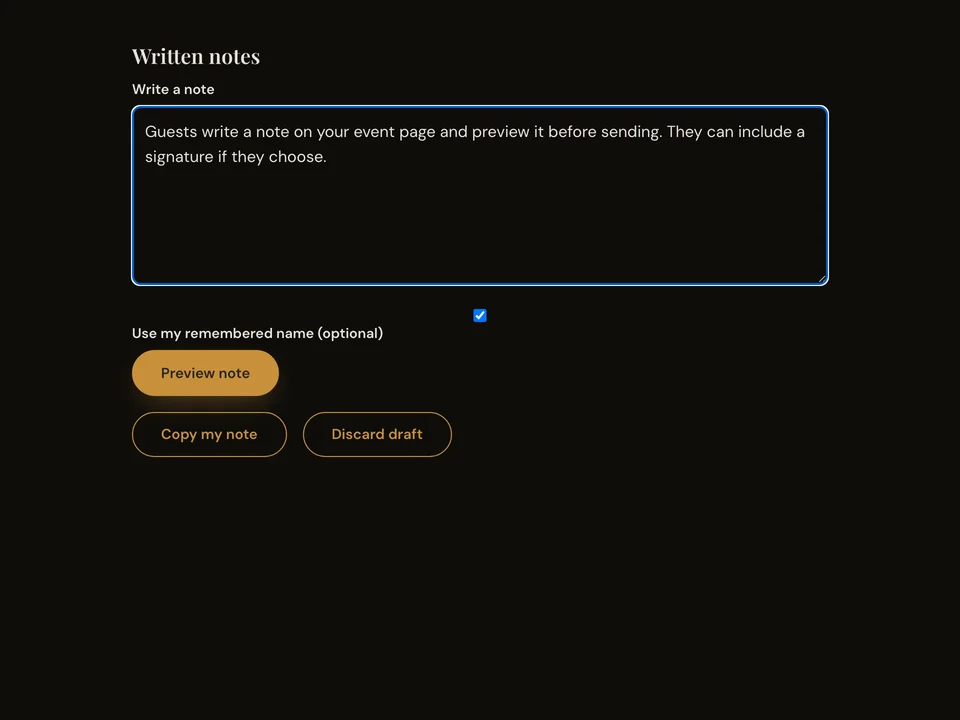
Guests write a note on your event page and preview it before sending. They can include a signature if they choose.
How it works
- Open the event page and find the written note section.
- Write a note and choose whether to sign it.
- Preview the note, then send it and wait for confirmation.
Questions about this feature
- Is a signature required?
- No. Guests can turn off the signature option.
- Can guests edit before sending?
- Yes. The preview offers an edit action before the note is sent.