Before the event
QR code and printable kit
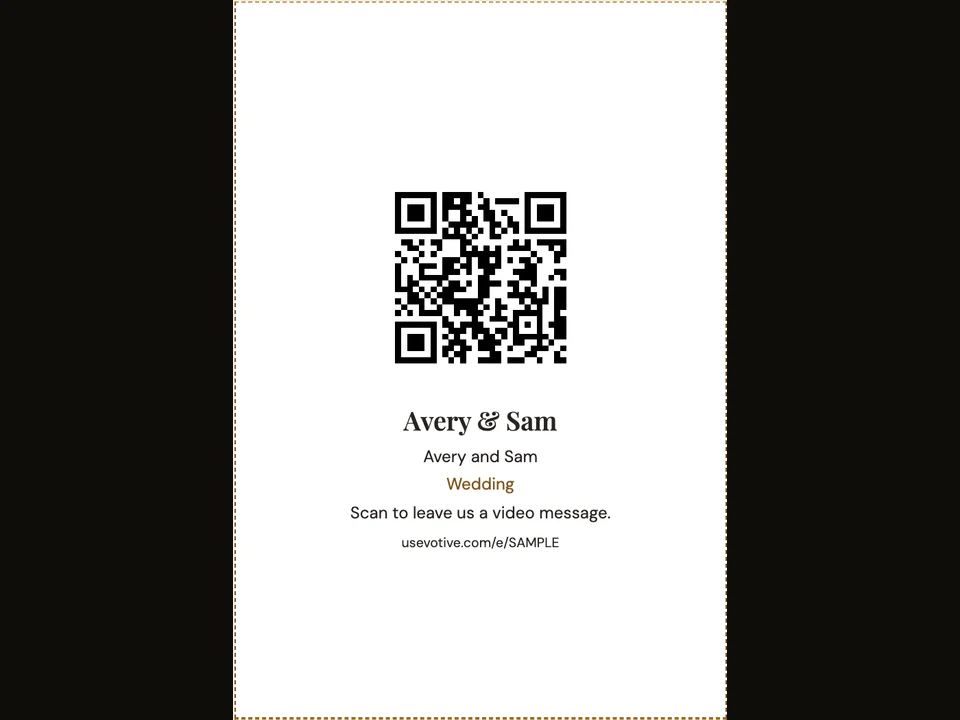
Print your event QR code on place cards, a poster, take-home cards or a flyer. Guests scan it to open your event on their phones.
How it works
- Open the printable kit from your event settings.
- Choose a layout and paper size, then print it.
- Scan a printed copy on your phone before the event.
Questions about this feature
- What can I print?
- Place cards, a poster, take-home cards and a flyer are available in the printable kit.
- Can I save the QR code separately?
- Yes. Download the event QR code as PNG or SVG from the kit.