Before the event
Moments and tags
Use named moments to organise contributions within an event. Guests can choose a moment, and you can adjust tags when reviewing messages.
How it works
- Open Moments from your event settings.
- Name the moments you want guests to see and save them.
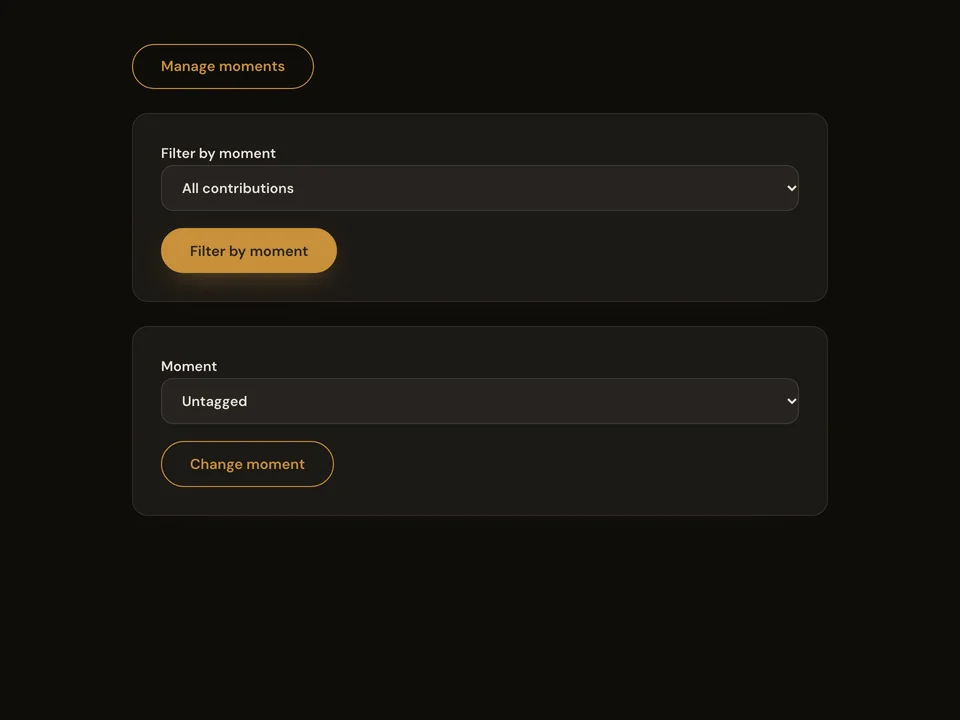
- Filter contributions by moment or change a contribution’s tag.
Questions about this feature
- Do guests have to choose a moment?
- No. Contributions can remain untagged.
- Can I change the moment names?
- Yes. You can rename, reorder or disable moments in event settings.