After the event
Host review and moderation
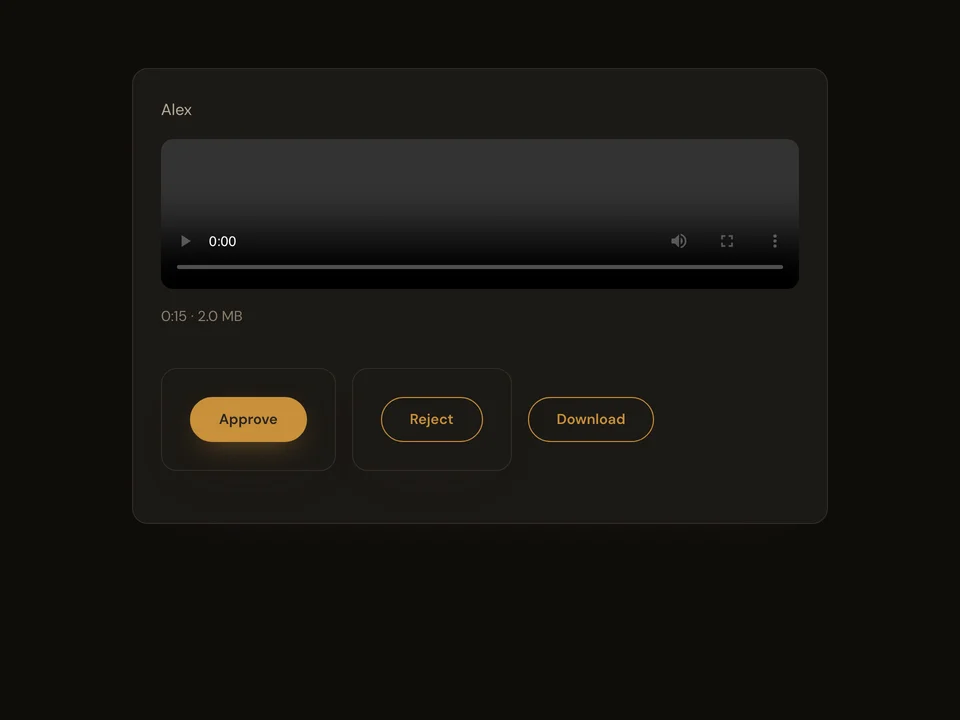
Review received contributions in your host account. Use the event library to approve or reject items and choose the event’s approval mode.
How it works
- Sign in and open your event library.
- Filter the received items and open a contribution.
- Approve or reject the selected items and confirm the result.
Questions about this feature
- Can I review after collection closes?
- Yes. Closing collection stops new contributions; host review remains available.
- Can I change the approval mode?
- Yes. Event moderation includes approval-first and automatic approval settings.