After the event
Note export
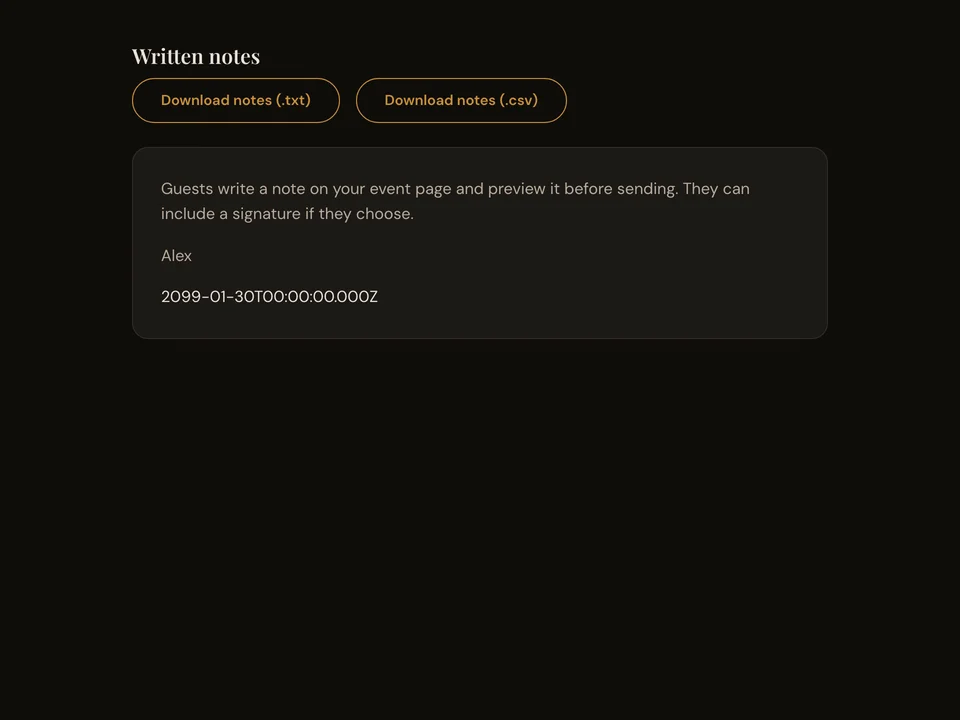
Export your event’s written notes as TXT or CSV from your host account. Keep the text and any signatures guests included.
How it works
- Sign in and open the event’s written notes reader.
- Choose TXT for text or CSV for a spreadsheet.
- Save the export on your device.
Questions about this feature
- What is included in the export?
- The export includes each note’s text, its saved date and any signature.
- Who can export notes?
- The event’s authenticated host can read and export notes.