During the event
Guest photos
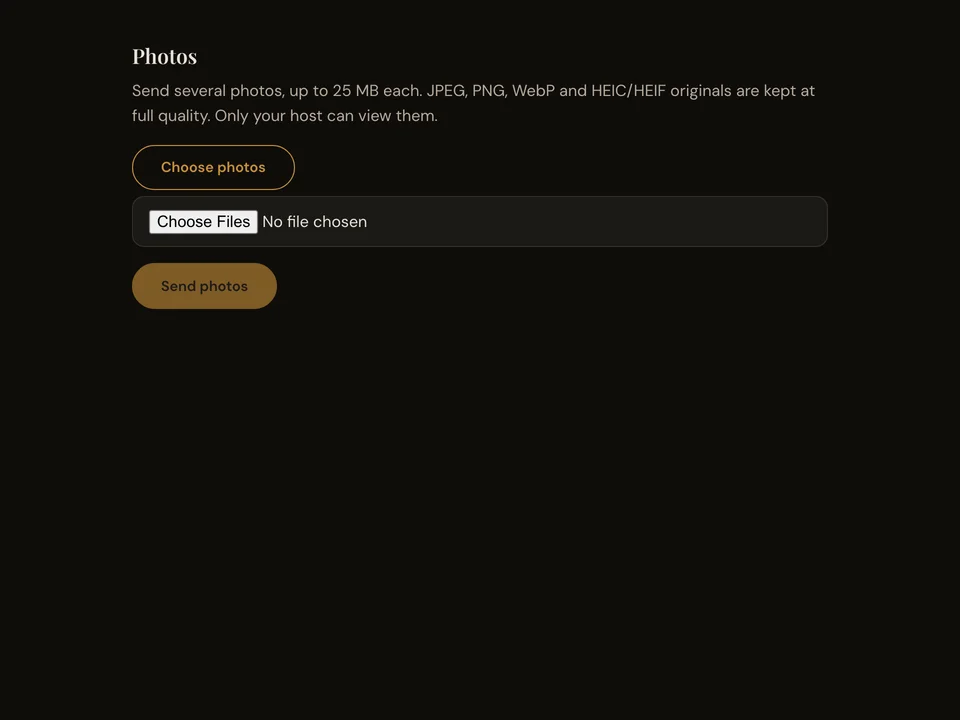
Guests choose photos from their phones and send them to your event. The host can review received photos and download originals.
How it works
- Open the event page on a phone.
- Choose photos and check the selection.
- Press Send and check each photo’s result.
Questions about this feature
- Can guests choose several photos?
- Yes. The photo picker accepts multiple photos.
- Who reviews the photos?
- The signed-in host can find received photos in the event library.