Before the event
Share link
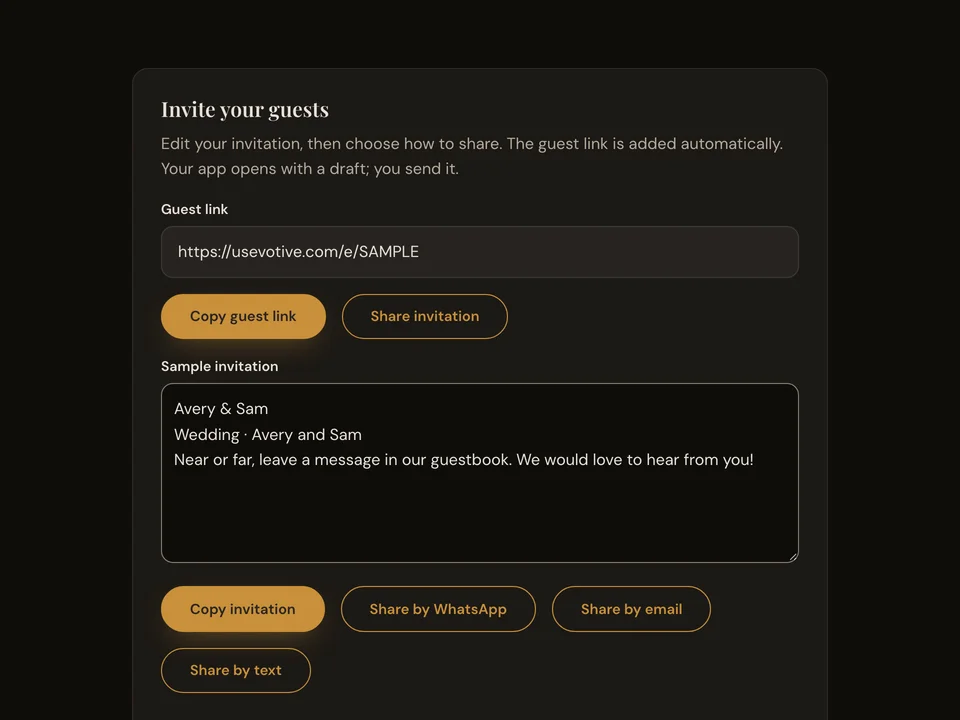
Copy your event link and send it to guests before or during the event. It opens the same guest page as your QR code.
How it works
- Open the sharing section in your event settings.
- Copy the guest link or the invitation text.
- Send it to guests through a message or email.
Questions about this feature
- Is this the same link as the QR code?
- Yes. Both open your event’s guest page.
- Can guests use it after the event?
- Guests can send while collection is open. You control the collection closing time in event settings.