Features for your event
Votive lets guests send video messages, photos or written notes from an event link. Create your event and review their contributions in your host account.
Before the event
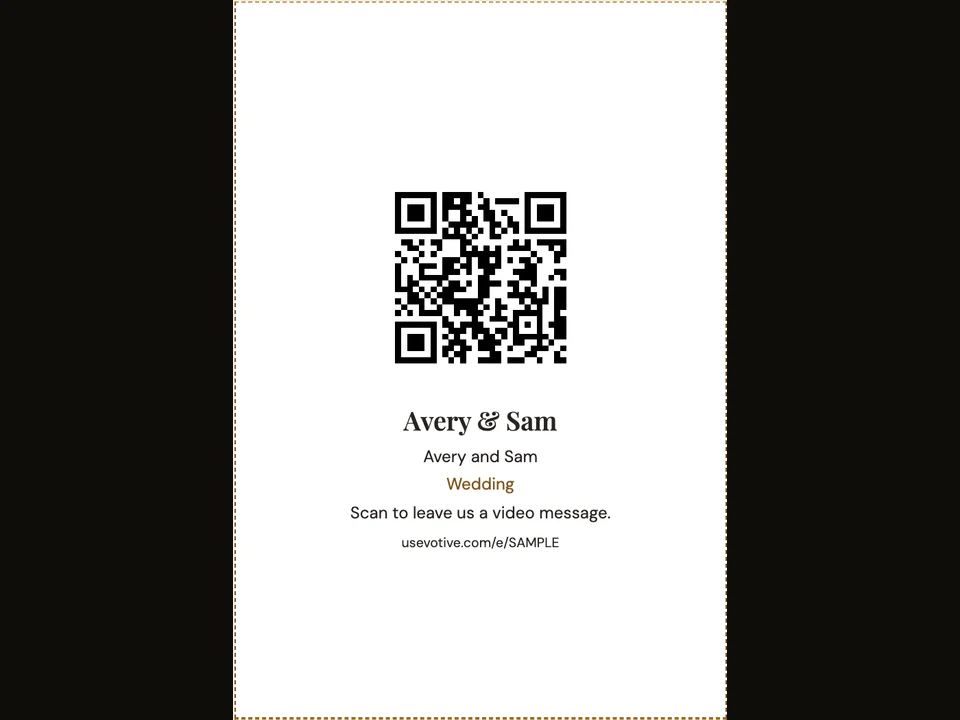
QR code and printable kit
Print your event QR code on place cards, a poster, take-home cards or a flyer. Guests scan it to open your event on their phones.
Share link
Copy your event link and send it to guests before or during the event. It opens the same guest page as your QR code.
Moments and tags
Use named moments to organise contributions within an event. Guests can choose a moment, and you can adjust tags when reviewing messages.
Several events per account
Manage several events from one host account. Each event has its own guest link and QR code.
During the event
Guest video messages
Guests record or choose a video message on their phone and send it through your event page. They can review the video before sending.
Guest photos
Guests choose photos from their phones and send them to your event. The host can review received photos and download originals.
Written notes
Guests write a note on your event page and preview it before sending. They can include a signature if they choose.
After the event
Host review and moderation
Review received contributions in your host account. Use the event library to approve or reject items and choose the event’s approval mode.
Individual downloads
Save individual video messages and original photos from your host account. Choose the available item you want to keep.
Note export
Export your event’s written notes as TXT or CSV from your host account. Keep the text and any signatures guests included.
How it works
- Create an event and set its date.
- Share the event link or print its QR code.
- Review contributions in your host account and save the items you want.
Questions about this feature
- Do guests need an account?
- Guests open the event link in their browser to contribute. A host account is needed to manage the event.
- What can I save after the event?
- Download individual video messages and original photos. Export written notes as TXT or CSV.