During the event
Guest video messages
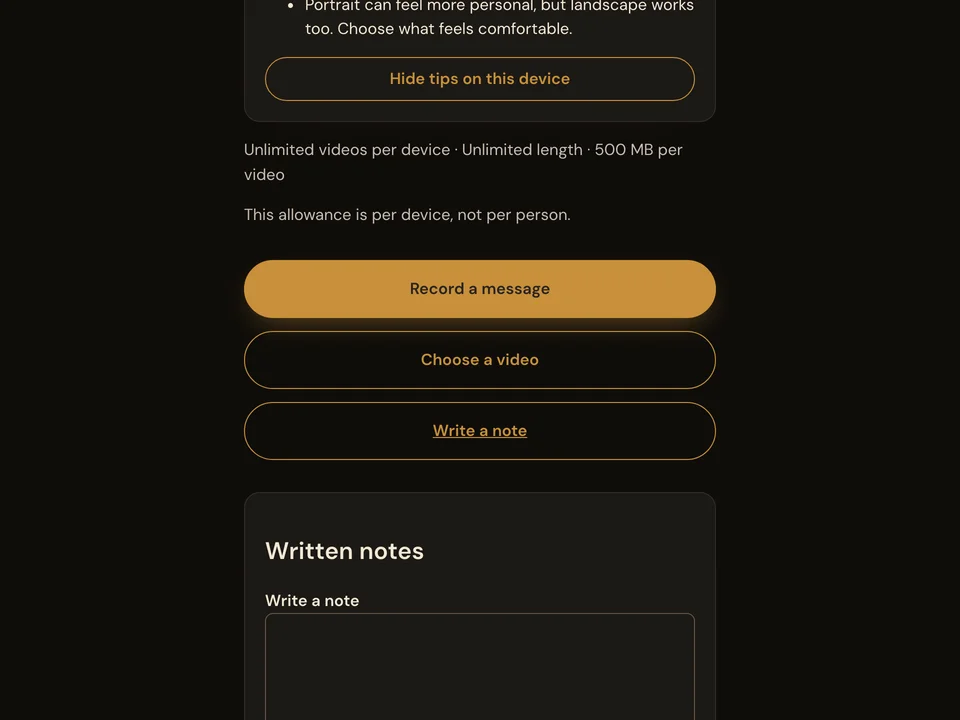
Guests record or choose a video message on their phone and send it through your event page. They can review the video before sending.
How it works
- Open the event link or scan the QR code.
- Record a video message or choose a video from the phone.
- Review the video and press Send. Wait for confirmation.
Questions about this feature
- Do guests need to install an app?
- Guests use their phone’s browser.
- When is a video sent?
- Choosing a video creates a preview. The guest presses Send and waits for the saved confirmation.