How to set up an iPad video guestbook
Votive prepares your iPad to record video messages at your event.
What do I need for an iPad video guestbook?
Start with an iPad running iOS 17 or later and a sturdy stand. Complete the app download and purchase setup before the event. Add a light for a dim room or an external microphone for a loud venue.
As of October 2026, Votive records offline after the app download and purchase setup are complete.
What you need
The full kit is simple. Only the first two items are required; the light and mic just make good video better.
An iPad (iOS 17 or later)
Any iPad running iOS 17 or later works — iPad 6th generation (2018) and newer. Votive runs entirely on the iPad, so no other device is needed.
A sturdy stand
A tabletop tripod or an iPad floor stand at chest height. Guests should be able to walk up and record without holding anything.
A ring light (optional)
A small ring light behind the iPad flatters faces in dim venues. Warm, soft light reads best on video.
A plug-in mic (optional)
For loud rooms, a small lightning or USB-C mic captures clearer voices. Votive uses the iPad mic by default, which is fine for most rooms.
Set it up in six steps
- 1
Download Votive
Install Votive on your iPad from the App Store. You only need the internet to download it and make a purchase — everything after works offline.
- 2
Set your theme and guided prompts
Pick a theme to match your event, then add guided prompts like ‘Share your favorite memory.’ Guided prompts are why guests know what to say instead of freezing on camera.
- 3
Lock the iPad with Guided Access
Turn on Guided Access (Settings → Accessibility → Guided Access) and start it inside Votive. This locks the iPad to the app so guests cannot exit, open other apps, or see your photos.
- 4
Place it where guests gather
Set the iPad near the bar, the entrance, or a dedicated table with a small sign. Guests leave the best messages where they already stop to talk.
Use a secure stand and add a light for your space. Keep the iPad powered with a USB-C hub and charger.
- 5
Test it, then let it run
Record one test message, check the framing and sound, and leave it running all night. Votive saves clips locally on the iPad — no WiFi, no cloud.
Test your USB-C microphone before the event. Choose an optional USB-C camera in Event Setup > Recording > Camera.
- 6
Relive it after the event
Browse every clip and get an automatic highlight reel with music, made on-device. Export any clip or the full reel by AirDrop, Files, or Photos.
Recommended gear
Start with an iPad running iPadOS 17 or later. Use a USB-C hub with power pass-through to keep it charged while connecting a microphone and camera.

Compact LED Light
A compact lighting option that needs a small stand or clamp.
ULANZI VL49 small LED lightTabletop iPad Stand
A tabletop stand for small events with a weighted base and height-adjustable arm.
Twelve South HoverBar Duo (2nd Gen)Directional USB-C Microphone
A directional USB-C microphone for clearer sound in a loud room.
RØDE VideoMic Me-C+ (upgrade microphone)As an Amazon Associate, Votive earns from qualifying purchases.
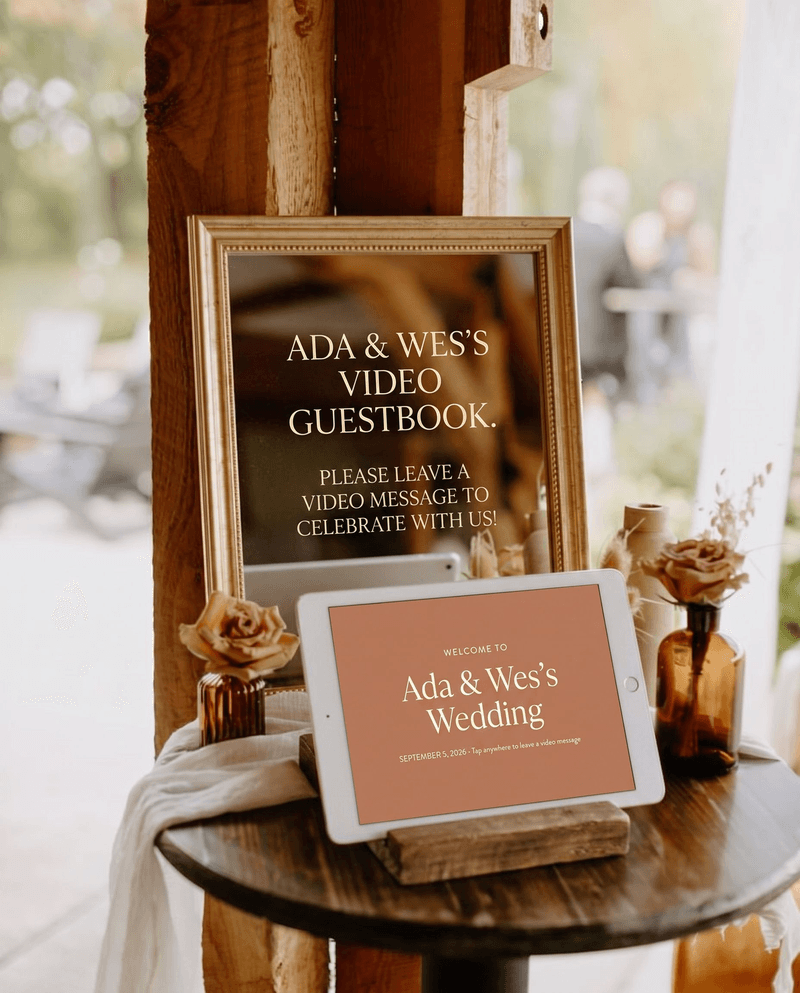
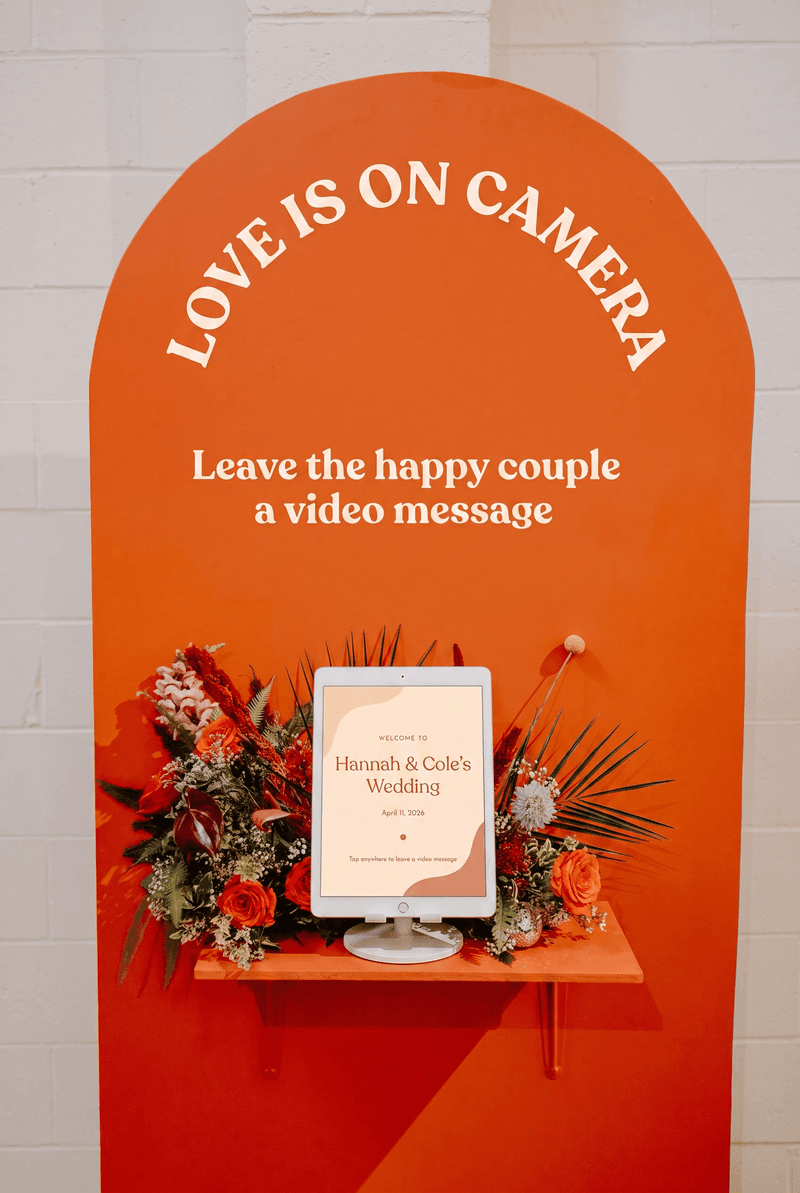
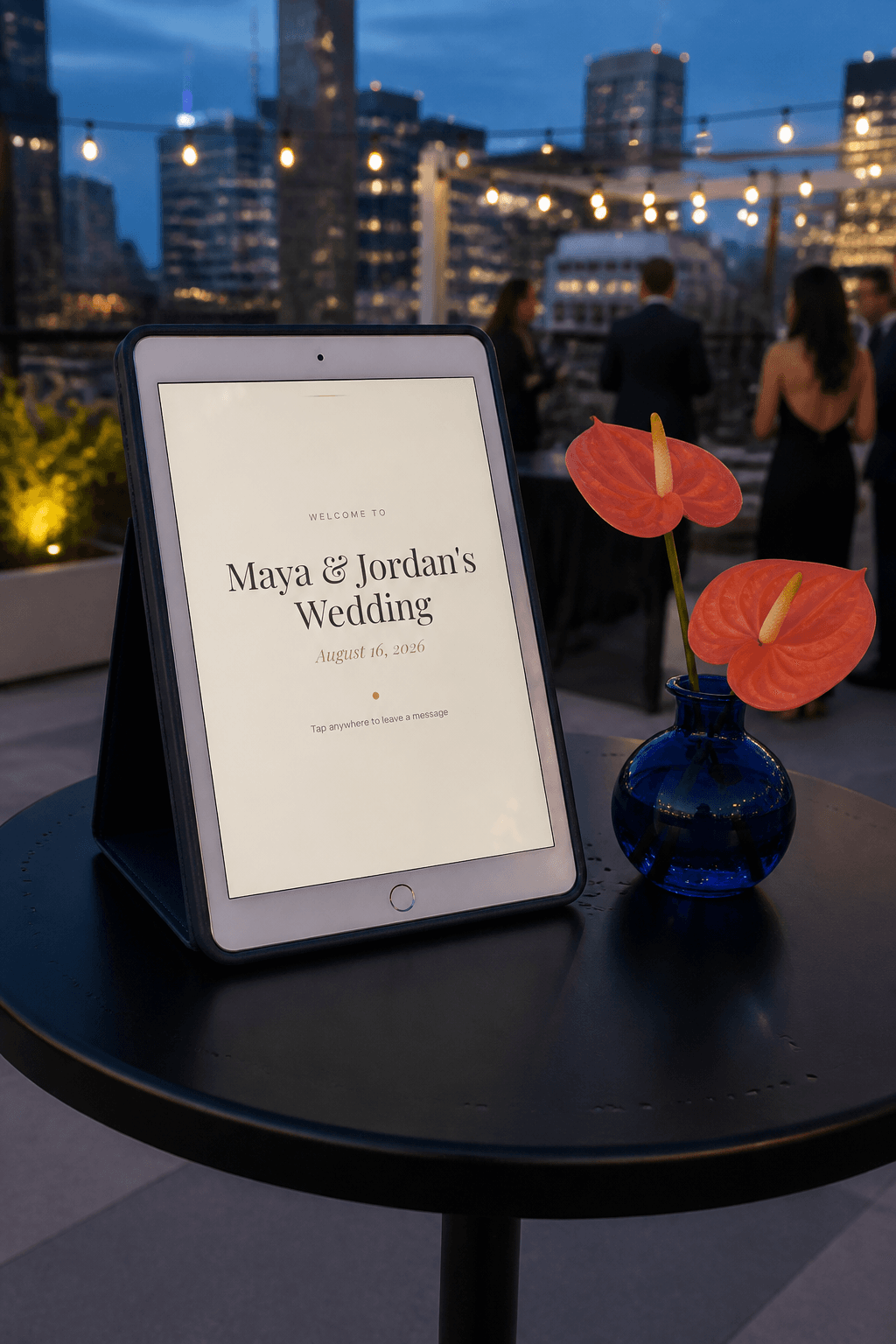
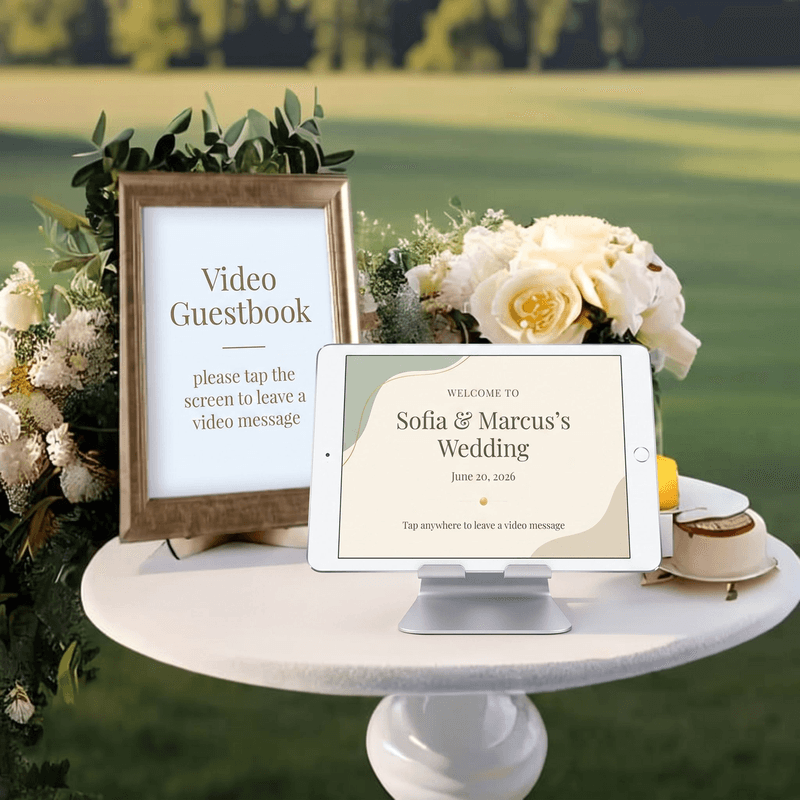
What it looks like set up
Real weddings using an iPad video guestbook with Votive.
Don't let a single moment
slip away.
Download Votive and give your guests a voice.
Download for iPadFree to try. One purchase per event. Every video is yours to keep, forever.